

In this guide you will learn how you can import and export workflows from one account to another with just a few clicks.
Export Workflow
Export workflow enables users to export existing workflow to other accounts.-
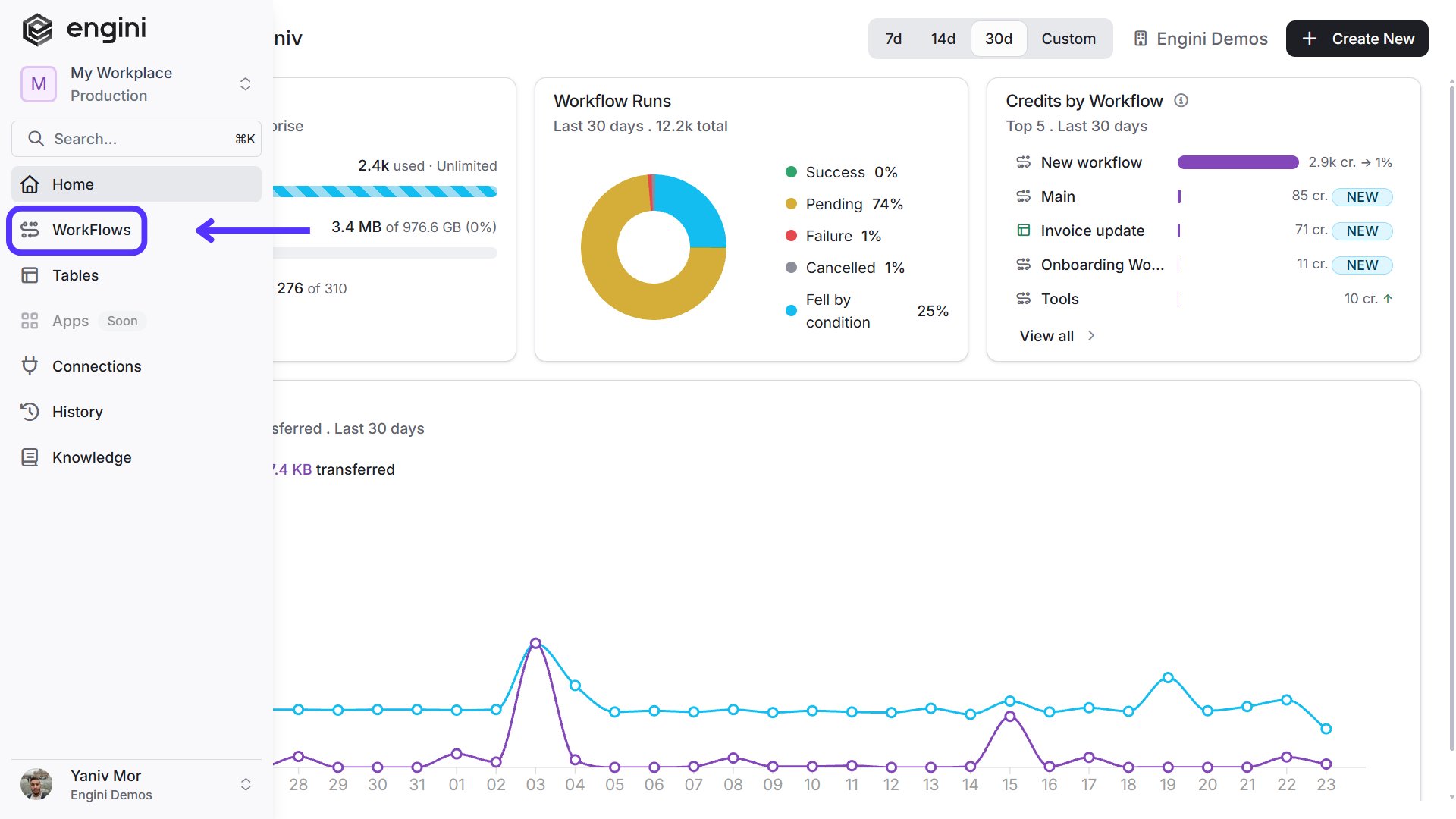
On the sidebar, click on the “WorkFlows” option.
-
Choose over the workflow you want to export and click on the three points.

-
Press on “Export”.

Import Workflow
Import workflow enables users to import existing workflow from other accounts.-
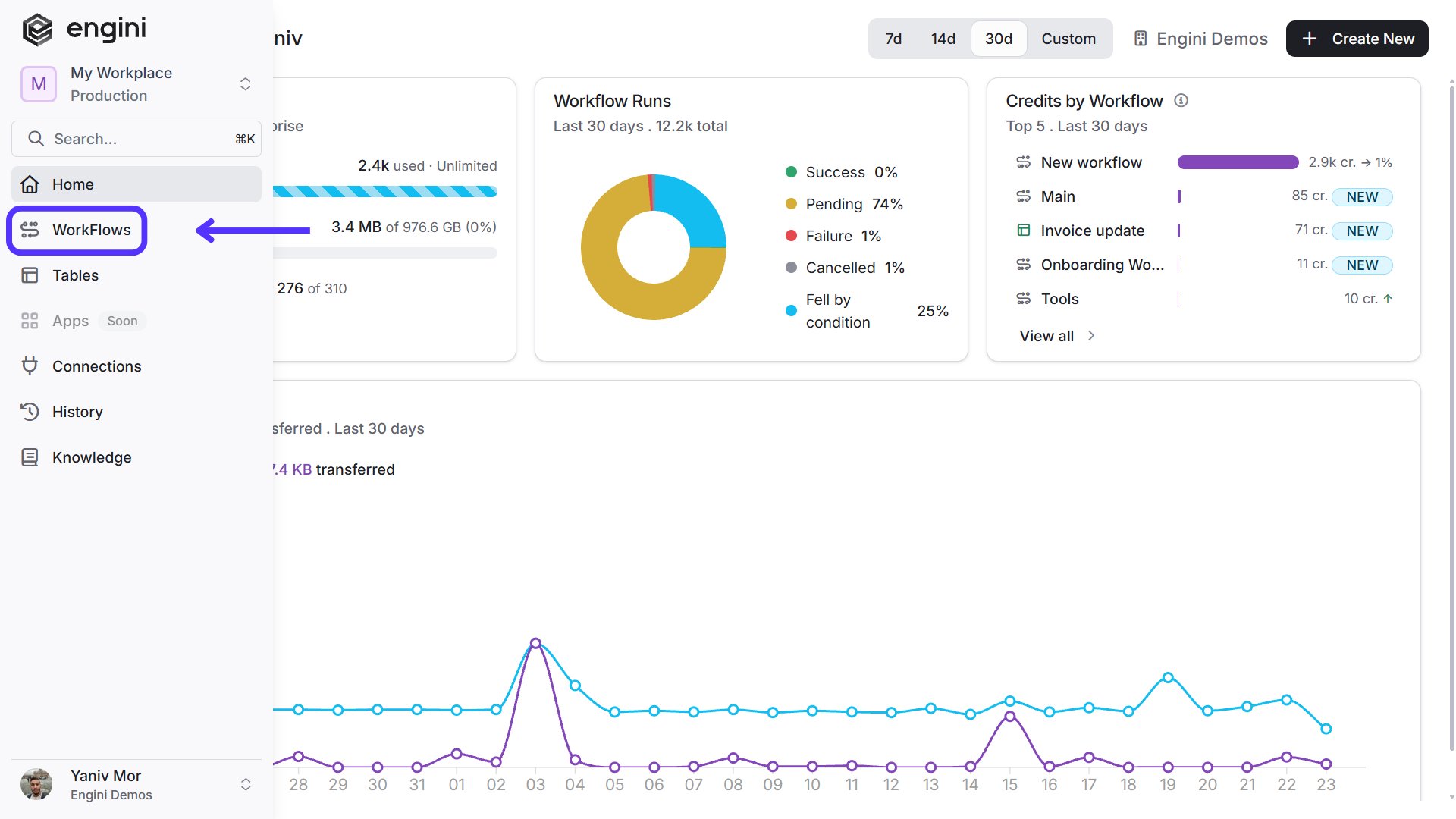
On the sidebar, click on the “WorkFlows” option.
-
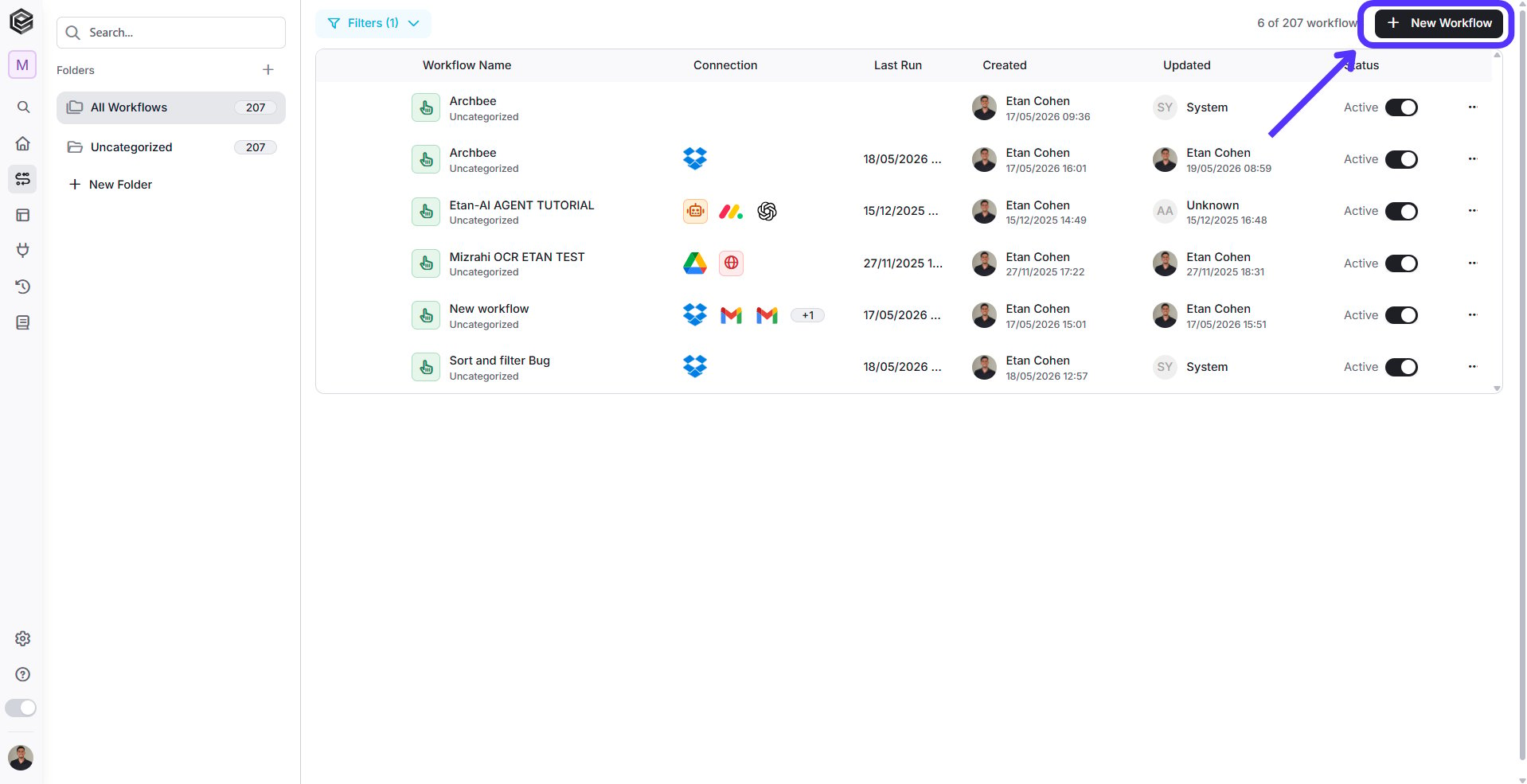
Press on the “Add workflow” button located at the top bar.
-
Press on “Import (.json)”.

- Choose the relevant file from your file explorer.
-
Click the save icon to save your progress.

Possible Errors
Pay attention to possible mistakes that can appear when you import a workflow from one account to another.-
There is no connection– This means that the connector relevant to one or more of the activities does not exist in this account. In this case the relevant connector must be added.

- There is a connection, but this activity is not in the connection – This means that although there is a connector for this specific software, there is no API access to the entity\form\object that this specific activity is trying to access to.