

- Open a new workflow
-
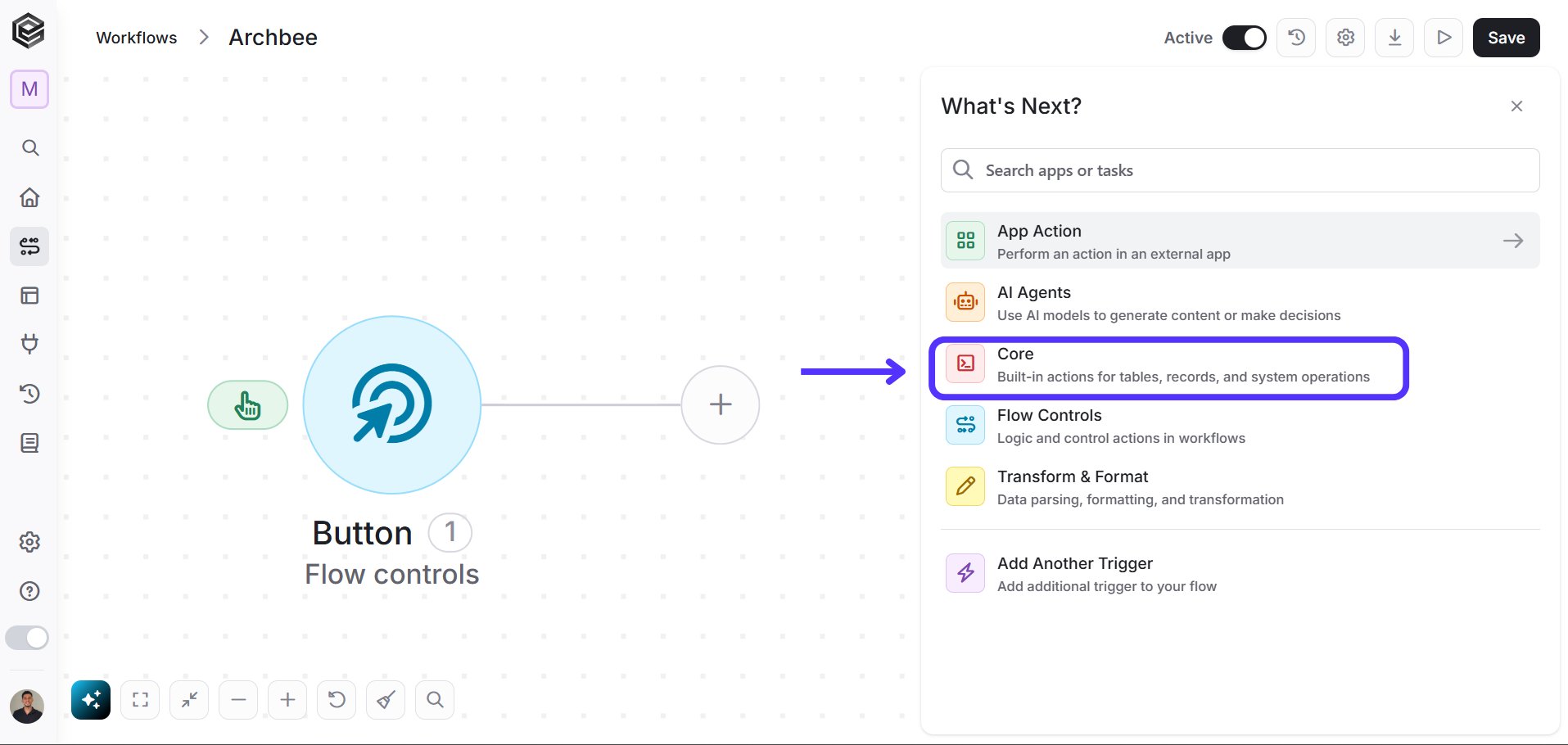
Choose the Core software.
-
Choose the Zip Archive Option.

Activities
Initialize Files Array
Creates an empty array to store file details for ZIP operations.
- Variable name - Enter the name of the variable that will hold the array of files.
Append to Files Array
Adds a file to the previously initialized array.
- Variable - Select from the drop-down menu the variable that you initialized, which holds the files array.
- File name - Enter the name of the file to be added.
- File Content - Enter the content of the file in Base64 String format.
Create an Archive
Creates a ZIP archive from the files in the array.
- Archive name - Enter the name for the new ZIP archive.
- Files[] - Select the variable that contains the array of files to be zipped.
Extract an Archive
Extracts the contents of a ZIP archive.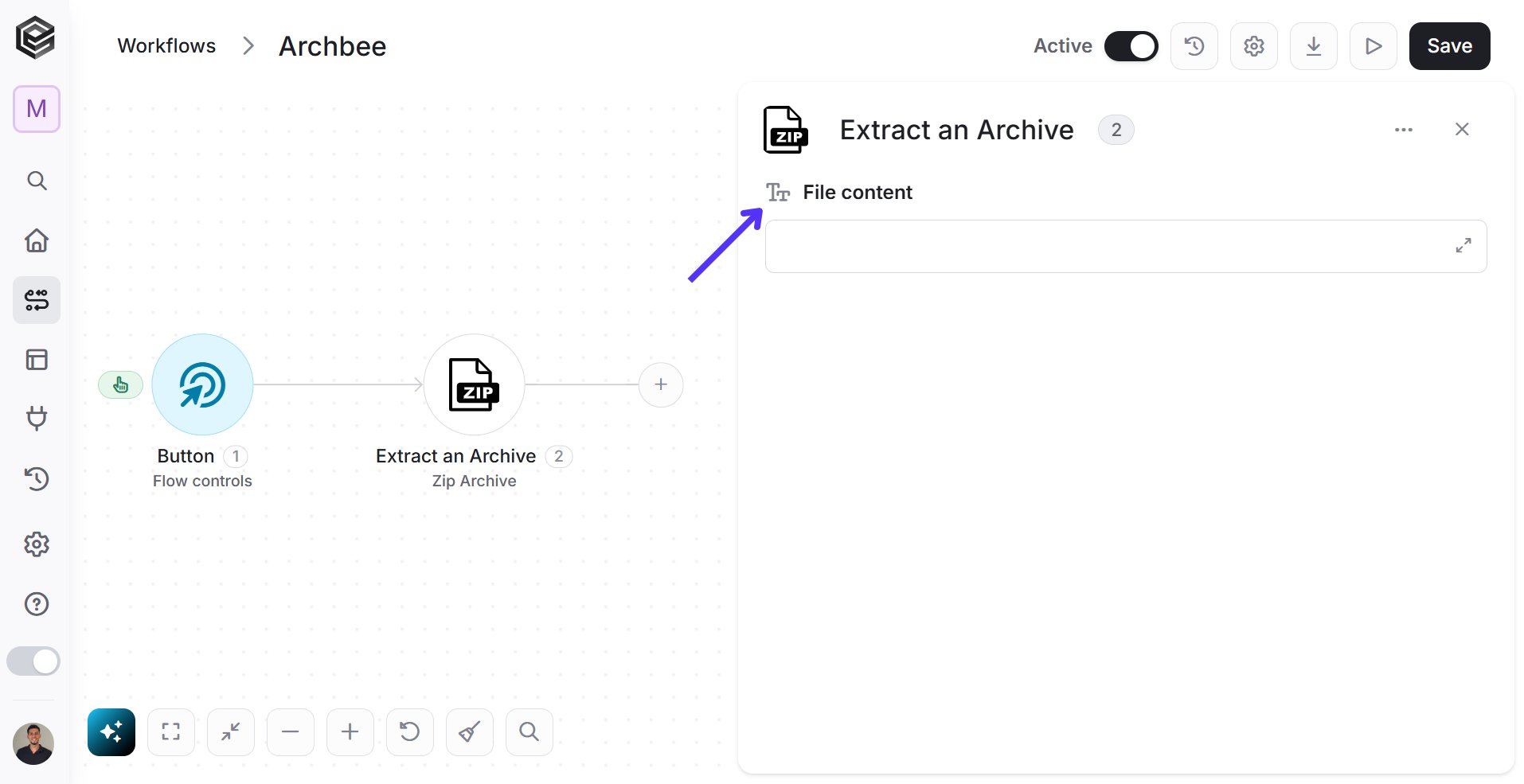
- File content - Enter the content of the ZIP file in Base64 String format.
Map Files Array
Maps data to files and adds them to the array.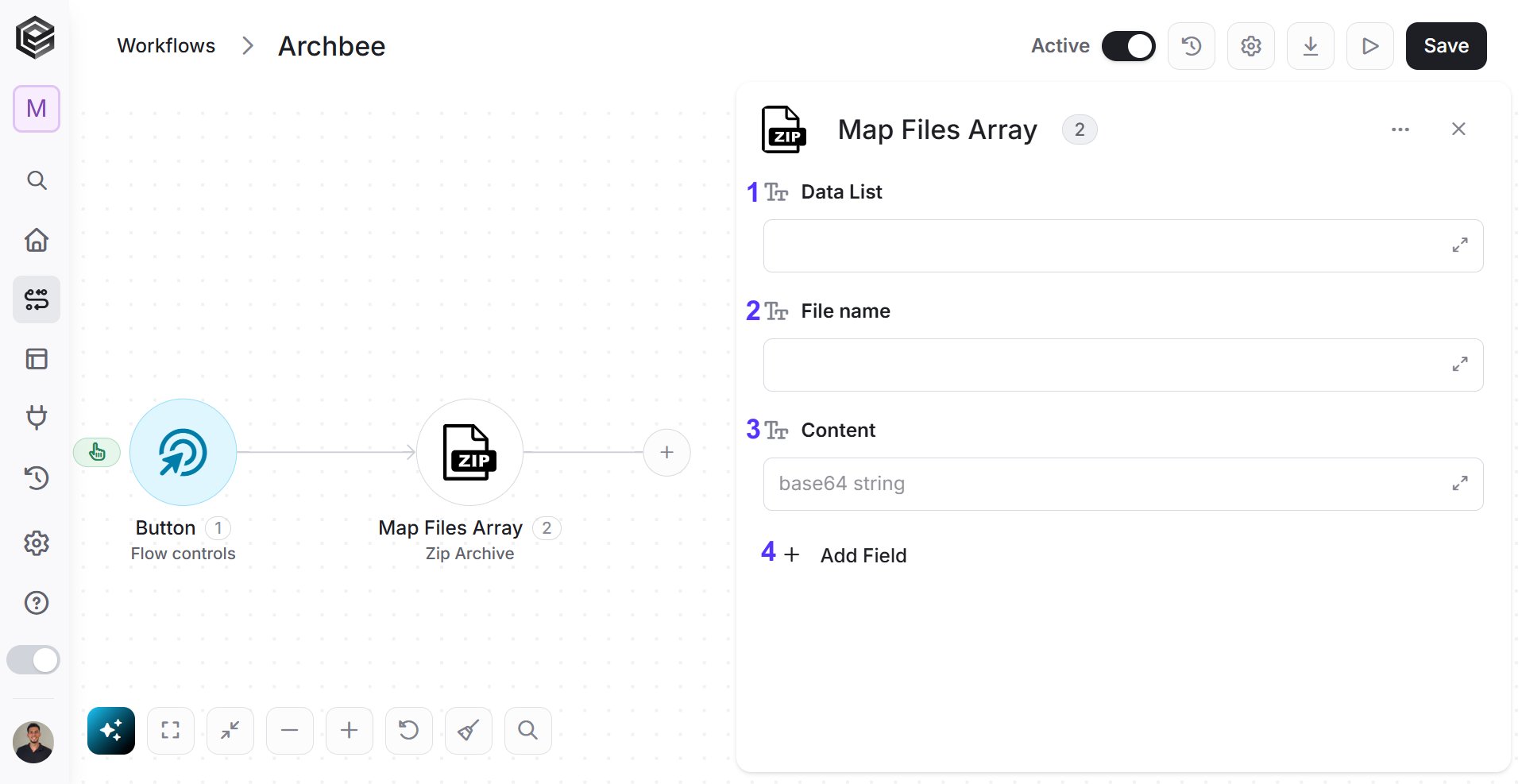
- Data List - Enter the data list that contains file information.
- File name - Enter the name for each file.
- Content - Enter the content of each file in Base64 String format.
- Add Field - Use this option to add additional custom fields to your array.