

Setting Up Timezone
-
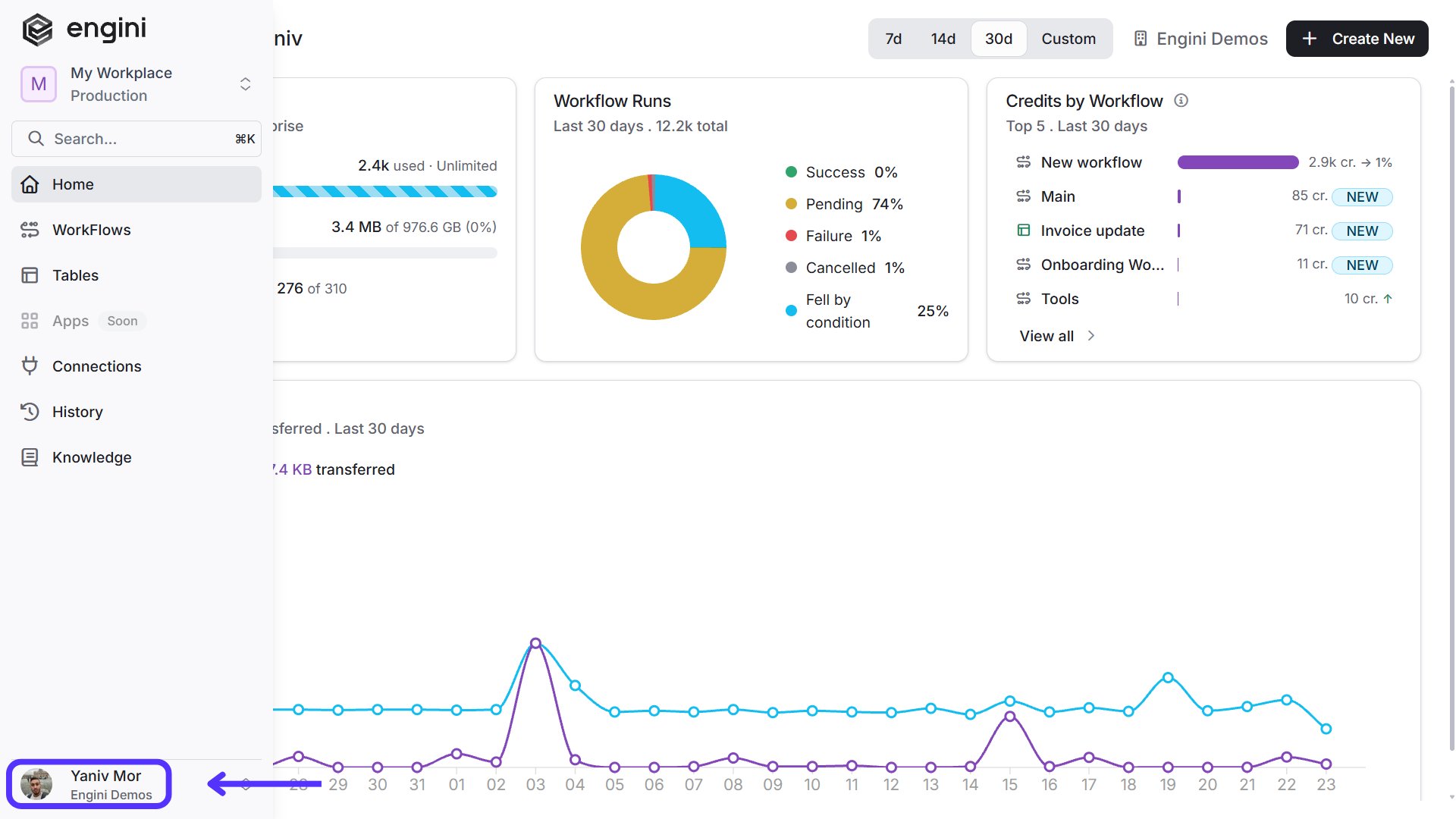
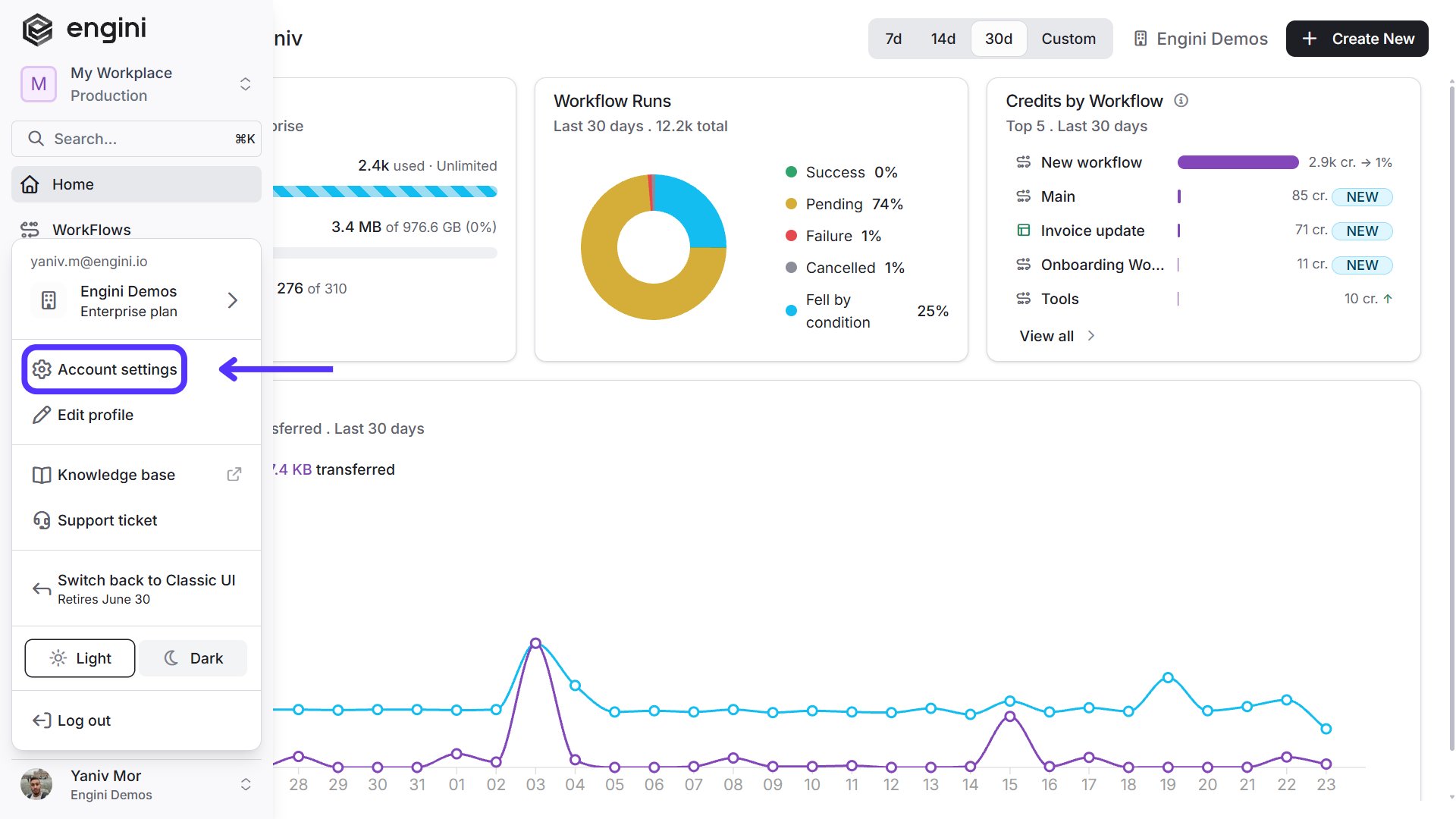
Navigate to the ‘Settings’ menu located on lower side of the side bar.
-
Click on the Gear Wheel Icon (setting) locate in the lower left corner of the screen.
-
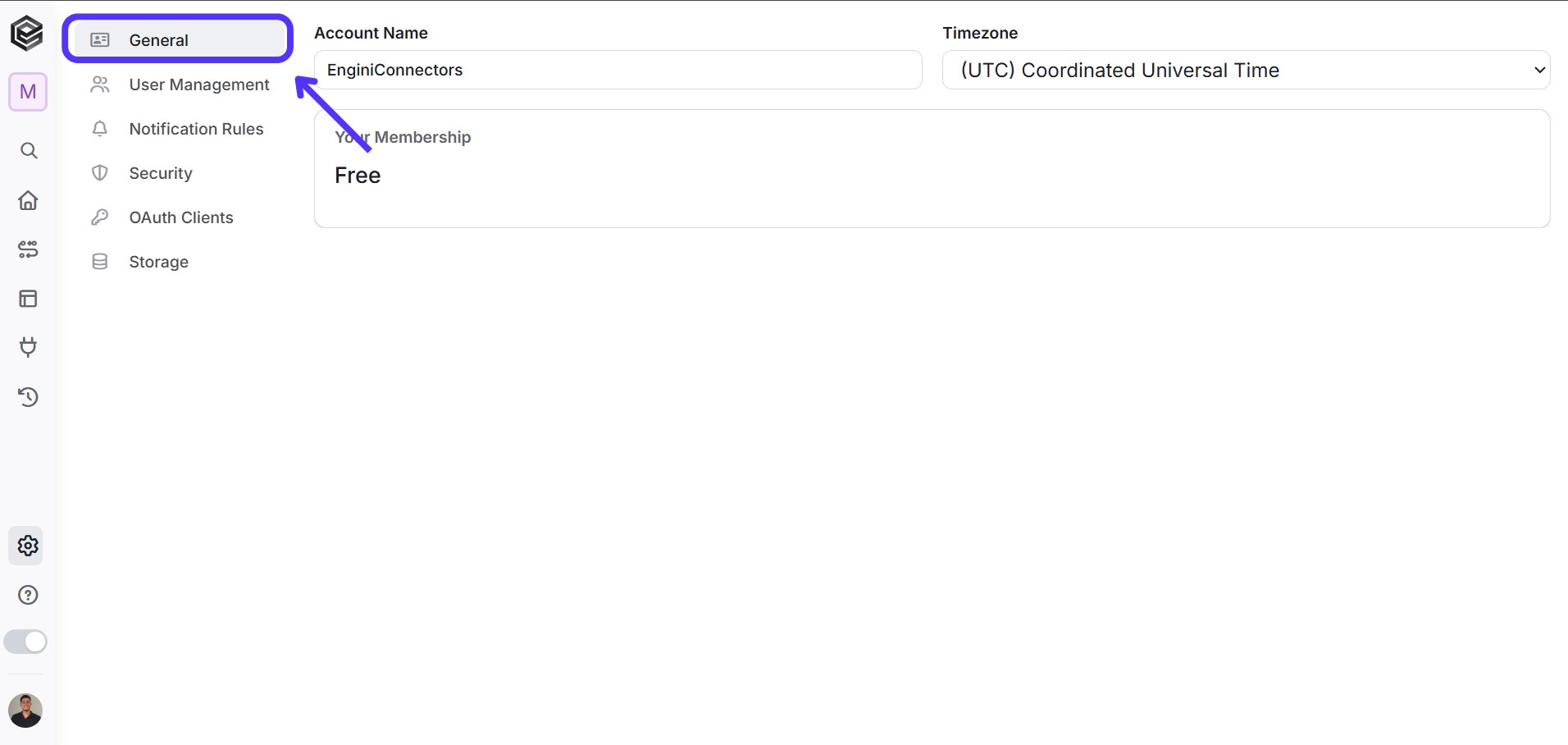
Proceed to the ‘General’ section within the settings.
-
Locate the Timezone setting. Click on the arrow to reveal a dropdown menu of available Timezones categorized by countries.
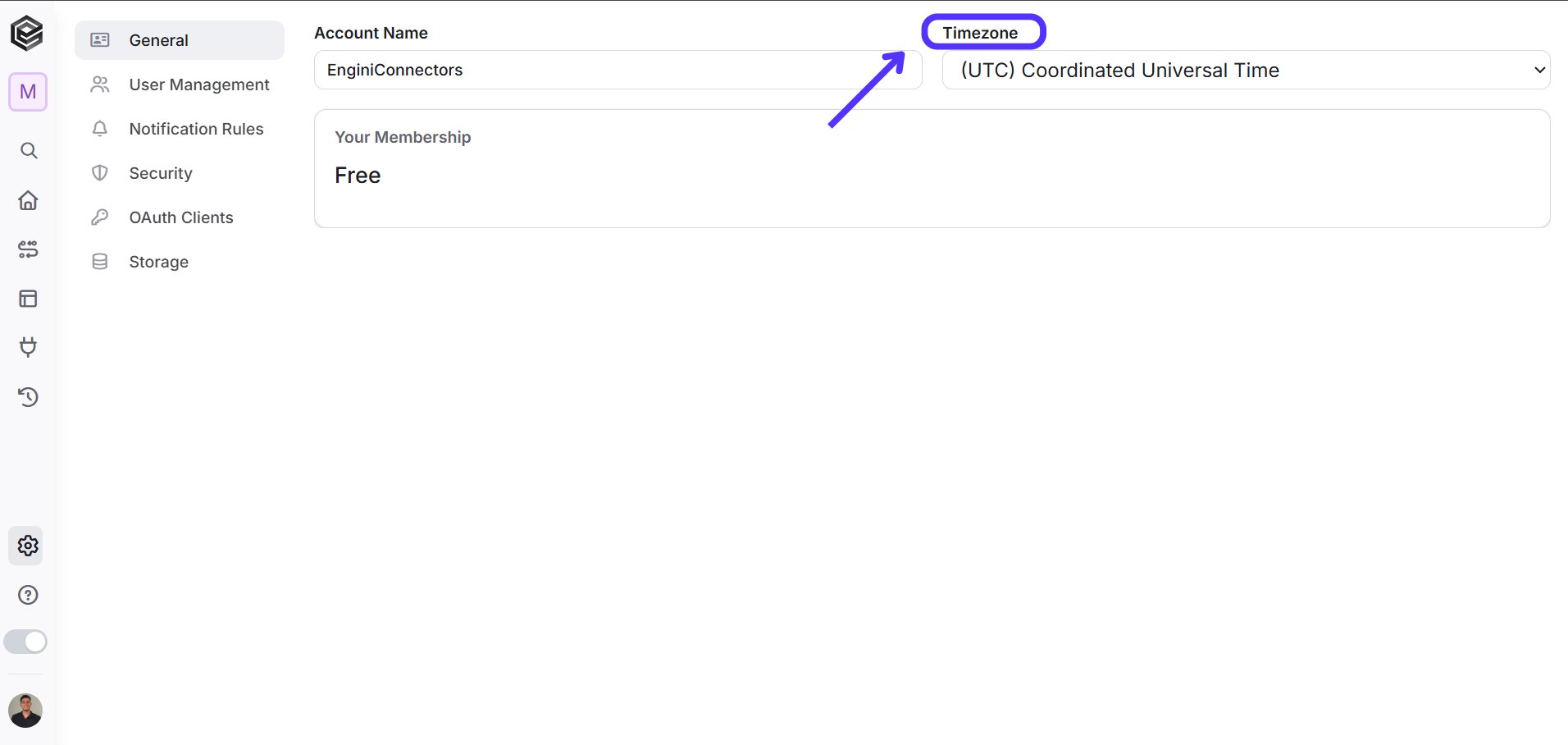
- Select the appropriate Timezone that best suits your company’s location and requirements and press “Save changes”.
- The selected time zone setting directly affects how time-related functions within Engine work.
- It affects the representation of dates and times across various functionalities and workflow executions.
- This setting is integral when using Timezone-specific functions during process building.